
On this page
Learning how to reset a garage door opener is mostly matching the reset to the symptom. An opener is a small computer bolted to a motor, and like any small computer it sometimes wedges itself into a state only a restart cures — especially after summer storms, brown-outs and power surges on hot Mandurah days. "Reset the opener" can mean four different procedures, and running the wrong one can make things worse.
Which reset does your fault need?
- Opener dead, ignoring everything, or acting strangely after a storm or outage → power cycle
- One remote (or all remotes) stopped working while the wall button still works → re-pair, or clear the memory and re-pair
- Door stops short of the floor, slams, reverses at the ground, or won't open fully → travel limit reset
- Door was opened by hand with the red cord and the remote now does nothing → re-engage the trolley
How to reset a garage door opener: the power cycle
- Make sure the door is fully closed, or fully open with nothing underneath it
- Switch the opener off at its power point, or unplug it
- Wait a full 30 seconds so the control board properly shuts down
- Switch it back on — the courtesy light usually flicks on
- Run one open-close cycle from the wall button, then try the remote
That clears frozen control boards, confused states after a power cut, and the overnight mystery faults with no mechanical cause. On mainstream Australian openers it doesn't erase your remotes or limits — they're stored in memory that survives a power cut — so it's the safe first move for almost any electrical misbehaviour.
Check the safety switch first
A garage circuit tripped by a storm looks exactly like a dead opener. If the motor unit shows no light at all, check the safety switches (RCDs) in your switchboard before diagnosing anything else.
How to reset a garage door remote
You don't reset the remote itself — you reset what the opener remembers, then introduce the remote again. If only one remote has stopped, try a fresh battery and a plain re-pair first. If a remote is lost, you've moved house, or the opener is refusing new remotes, clear the memory and start over.
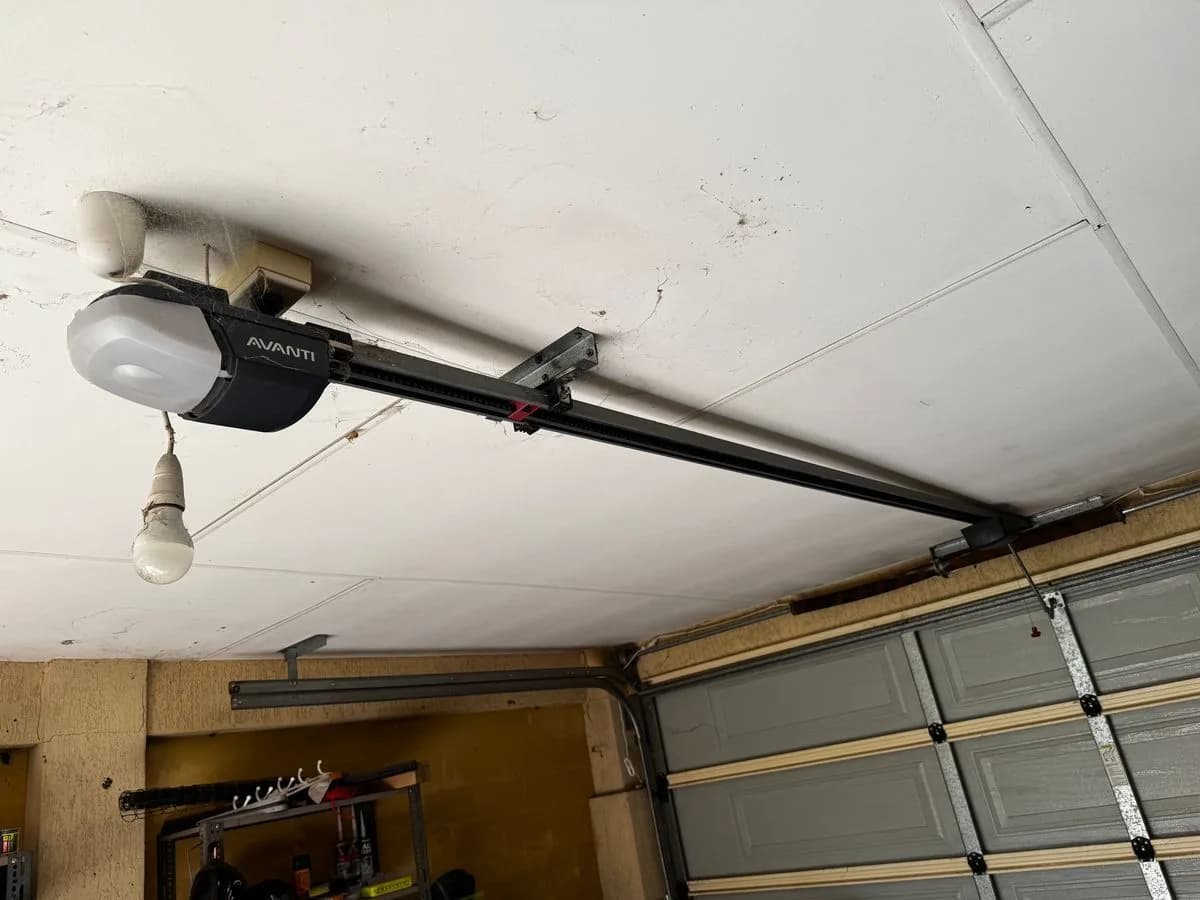
- Find the learn (or code) button on the opener's motor unit — often beside or under the light lens
- To clear every stored remote, press and hold it until its light goes out, often around ten seconds (check the label or manual for your model)
- To pair a remote, press and release the same button once, then within about 30 seconds hold the remote button until the opener's light flashes or it clicks
- Test from the driveway, then re-pair each remote you're keeping, one at a time
Holding the button too long when you only meant to pair one remote wipes the whole household, so count your seconds. The step-by-step remote programming guide shows where the button sits on Merlin, B&D, ATA, Gliderol, Steel-Line, Jaytech and Superlift openers.
Resetting the travel limits
The opener doesn't know where your floor is — it's taught, and it stores those travel limits in memory. When they drift, the symptoms are distinctive: the door stops short of the floor, slams the last stretch, touches down and immediately reverses as though it hit something, or only opens partway. Most openers re-learn limits through a sequence on the motor unit — typically holding a set button until the unit enters programming, driving the door to fully closed with the arrow buttons, confirming, then doing the same for fully open. Some newer openers run a self-learning cycle instead. The exact steps vary by brand and model, so follow the manual for the number on the label.
Limits are a safety setting
A down limit set too deep makes the door press into the floor and strain the motor; too shallow leaves a gap. After ANY limit change, lay a piece of timber flat under the door and close it under power — it must touch and reverse. A door that no longer reverses on contact is a real hazard to children and pets.
Resetting after pulling the red cord or a power outage
If you opened the door by hand during an outage, the opener is fine — the trolley on the rail is just disconnected from the door. Pull the red cord toward the door (on most models) to re-arm the latch, or simply press the remote and the motor carries the trolley forward until it latches onto the door again. Run one full cycle to finish. The manual opening guide covers the release and re-engage steps in full, and when not to pull the cord at all.
Why is my garage door not responding to the remote?
- Wall button works, remote doesn't: flat battery, a remote that lost its pairing, or a remote that doesn't match the opener — re-pair it
- Remote pairs, then drops out again within days: the opener's receiver board is failing — more re-pairing won't fix it
- Neither the wall button nor the remote works: check power and safety switches, and that the red cord hasn't left the trolley disconnected
- Opener clicks or hums but the door doesn't move: a stripped drive gear, a failed motor part, or a broken spring making the door too heavy
The garage door motor not responding checklist goes through those in order before anything costs money.
What a reset can't fix
A reset repairs confusion, not hardware. It won't help a motor that hums without moving, remotes that keep dropping out, sensors that stay blind after cleaning and alignment, or a door that's suddenly very heavy to lift by hand — that last one is a broken spring, and the motor was never the problem. Before any electronics troubleshooting, do the honest test: door closed, manual release pulled, lift by hand. If the door itself isn't light and smooth, fix the mechanics first.
If you've power-cycled, re-paired and re-taught the limits and the fault survives — or comes back within days — book a garage door opener repair. The visit finds out whether it's a part worth replacing or a unit at the end of its life, and the price is confirmed before any work starts.